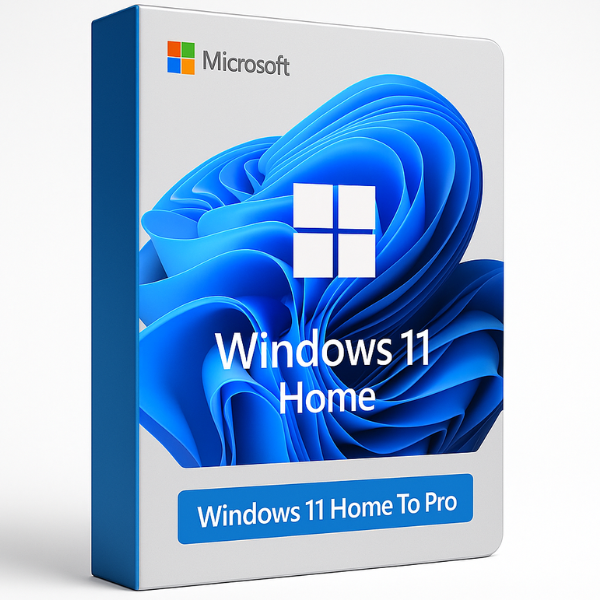
Upgrade from Windows 11 Home to Pro – Genuine Activation Key
Unlock the full potential of your PC without a clean reinstallation. If you are currently limited by the Home edition, our Upgrade from Windows 11 Home to Pro license key is the fastest and most reliable way to access professional-grade features.
Transition seamlessly to Microsoft Windows 11 Professional and get instant access to advanced security, remote management, and enterprise tools.
Why Upgrade to Windows 11 Pro?
Upgrading with a genuine Windows 11 Pro OEM Online Activation Keys transforms your operating system into a business powerhouse. By choosing to Upgrade from Windows 11 Home to Pro, you gain:
-
BitLocker Drive Encryption: Protect your sensitive data with industry-leading encryption.
-
Remote Desktop (Host): Access your files and apps from another device anywhere.
-
Hyper-V: Create and manage virtual machines for testing and development.
-
Windows Sandbox: Test untrusted apps in a safe, isolated environment.
-
Azure Active Directory: Join your business or school domain easily.
How the Upgrade Process Works
One of the best parts of this license is that no data loss occurs during the transition.
-
Purchase: Get your Microsoft Windows 11 Professional key instantly from SoftLicenseKey.
-
Go to Settings: Navigate to Settings > System > Activation.
-
Enter Key: Click “Change Product Key” and enter your new Pro key.
-
Instant Activation: Windows will unlock the Pro features and restart. Your files and apps stay exactly where they were!
Comparison: Home vs. Pro Upgrade
| Features | Windows 11 Home | Windows 11 Pro Upgrade |
| Max RAM Support | 128 GB | 2 TB |
| BitLocker Encryption | No | Yes |
| Remote Desktop | Client Only | Full Access (Host & Client) |
| Group Policy Management | No | Yes |
Note: If you are looking for a fresh start on a new PC, we also offer Windows 11 Home Retail Key and Windows 11 Home OEM CD Keys.
Pros and Cons for This Upgrade
Pros:
-
Seamless Transition: No need to format your hard drive or reinstall applications.
-
Enhanced Security: Superior protection compared to Windows 11 Home N.
-
Enterprise Features: Access tools similar to Windows 11 Enterprise Global at a fraction of the cost.
-
Global Compatibility: Works with all language packs and regions.
Cons:
-
Hardware Dependent: Requires TPM 2.0 to be enabled on your motherboard.
-
Specific License: This key is specifically for the Microsoft Windows 11 Pro edition; it will not activate Windows 11 Education.
Why Choose SoftLicenseKey?
-
Lowest Price Guarantee: We provide the cheapest Windows 11 Pro upgrade keys in the market.
-
Instant Email Delivery: No waiting—receive your code immediately after checkout.
-
100% Genuine: Every key is verified and supports all official Microsoft updates.
-
24/7 Support: Our team is ready to guide you through the Upgrade from Windows 11 Home to Pro if you face any issues.
Frequently Asked Questions (FAQ)
Q: Will I lose my files after the upgrade?
A: No. Upgrading via product key only unlocks the additional features of Microsoft Windows 11 Professional. Your files remain safe.
Q: Can I upgrade a Windows 11 Home N version?
A: Yes, but you must ensure you purchase the Microsoft Windows 11 Pro N Global key for a compatible transition.
Q: Is this a one-time payment?
A: Yes, this is a lifetime license for 1 PC. There are no recurring subscription fees.
Related products