
 Microsoft Office 2021 Pro Plus Phone Activation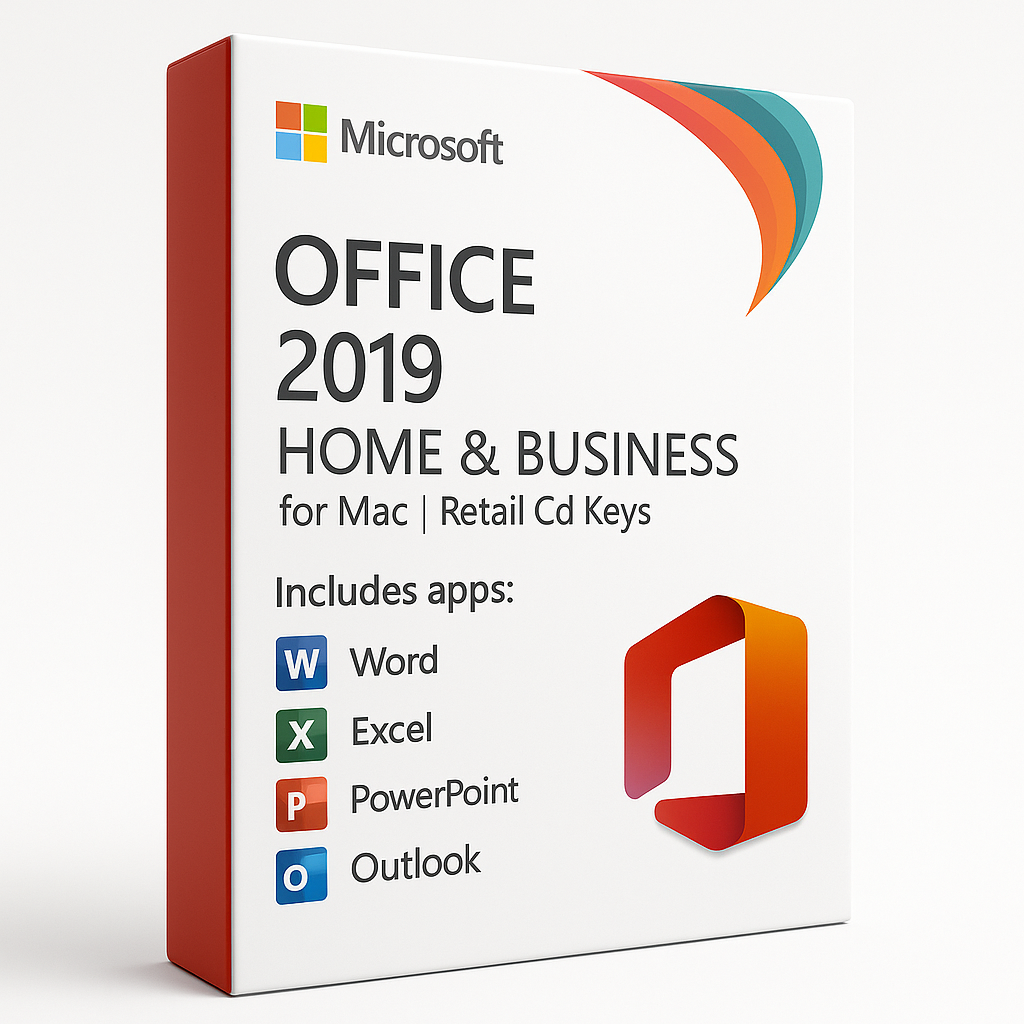
Microsoft Office 2019 Home and Business for Mac | Retail CD Keys: Complete Guide
Introduction to Microsoft Office 2019 Home and Business for Mac
If you’re a Mac user looking for a reliable and powerful productivity suite, Microsoft Office 2019 Home and Business for Mac is an excellent option. Offering essential Office applications, including Word, Excel, PowerPoint, and Outlook, this version of Office is designed specifically for Mac users. Whether you’re a professional working from home, a small business owner, or someone looking to upgrade their productivity tools, Office 2019 Home and Business for Mac provides the power and flexibility you need to stay productive.
In this article, we will walk you through the features, benefits, and advantages of purchasing Microsoft Office 2019 Home and Business for Mac, along with how to get it at the cheapest price through SoftLicenseKey.com.
What is Microsoft Office 2019 Home and Business for Mac?
Microsoft Office 2019 Home and Business for Mac is a retail version of Microsoft Office designed for MacOS users. It includes Word, Excel, PowerPoint, and Outlook, providing the tools you need to create, edit, and manage documents, spreadsheets, presentations, and emails. This suite is available as a one-time purchase, meaning you own the software for life without needing to worry about monthly or annual subscription fees, unlike the Microsoft 365 subscription model.
The retail CD keys offer a simple and secure way to activate your Office suite on your Mac, with lifetime access to all included applications.
Key Features of Microsoft Office 2019 Home and Business for Mac
-
Word 2019: The essential tool for creating, editing, and formatting documents. With features like Focus Mode, improved styling tools, and enhanced collaboration capabilities, Word 2019 makes document creation and editing easier than ever.
-
Excel 2019: Perform powerful data analysis with tools like PowerQuery, PowerPivot, and advanced charting options. Excel 2019 gives you all the features you need to manage and visualize your data.
-
PowerPoint 2019: Design engaging and dynamic presentations with new 3D models, morph transition effects, and improved slide layouts. PowerPoint 2019 enhances your ability to communicate ideas clearly and effectively.
-
Outlook 2019: Manage your emails, calendar, and contacts with an intuitive and efficient interface. Outlook 2019 offers features like Focused Inbox, calendar syncing, and task management to stay on top of your schedule.
Why Choose Microsoft Office 2019 Home and Business for Mac?
One-Time Purchase vs. Subscription Model
One of the biggest advantages of Microsoft Office 2019 Home and Business for Mac is that it is a one-time purchase, unlike Microsoft 365, which requires an ongoing subscription. With Office 2019, you pay once and gain lifetime access to the software, with no need for renewal payments. This makes it an excellent choice for individuals and businesses who want a cost-effective solution without the commitment of recurring fees.
Ideal for Home Users and Small Businesses
Whether you’re a home user looking for productivity software or a small business owner in need of reliable tools for document management and communication, Office 2019 Home and Business for Mac is a perfect fit. With core applications like Word for writing documents, Excel for organizing data, and Outlook for managing emails, it’s the complete solution for day-to-day business and personal tasks.
Affordable Solution for Mac Users
Mac users often face challenges when looking for software that is both Mac-compatible and affordable. Office 2019 Home and Business for Mac provides the best of both worlds, offering full compatibility with macOS and a one-time payment option that ensures affordability over time.
Easy to Install and Use
The installation process for Office 2019 Home and Business for Mac is straightforward. After purchasing the retail CD key, all you need to do is follow a few simple steps to activate the software on your Mac. The intuitive design of the Office apps makes it easy for even those with limited technical experience to get up and running quickly.
Benefits of Microsoft Office 2019 Home and Business for Mac
Access to Core Office Applications
With Office 2019 Home and Business for Mac, you get access to the core Office apps you need, including Word, Excel, PowerPoint, and Outlook. These tools are the backbone of productivity for millions of users worldwide, allowing you to create documents, manage emails, analyze data, and create presentations with ease.
Enhanced Productivity and Collaboration Features
Office 2019 brings several enhancements and new features that help you stay productive and collaborate more effectively. For example, Word now includes a Read Aloud feature to help improve your writing process, while Excel offers more advanced data analysis tools for those working with large datasets.
Seamless Integration with MacOS
One of the standout benefits of Office 2019 Home and Business for Mac is its seamless integration with macOS. Whether you’re using macOS Mojave or the latest macOS Big Sur, the suite is designed to work perfectly on your Mac, providing an optimized user experience.
Advanced Security and Privacy Features
Microsoft Office 2019 includes a range of security features, such as file encryption, password protection, and data loss prevention, ensuring that your documents and communications are kept secure. With Office 2019 Home and Business for Mac, you can confidently manage sensitive information without worrying about security breaches.
System Requirements for Microsoft Office 2019 Home and Business for Mac
Minimum System Requirements
To install Microsoft Office 2019 Home and Business for Mac, your system must meet the following minimum requirements:
-
Operating System: macOS Sierra (10.12) or later
-
Processor: Intel processor
-
RAM: 4 GB or more
-
Storage: 6 GB of available hard disk space
-
Display: 1280 x 800 resolution
Recommended System Requirements
For the best performance, Microsoft Office 2019 Home and Business for Mac should be installed on a system that meets these recommended requirements:
-
Operating System: macOS Mojave (10.14) or later
-
Processor: Intel Core i5 or higher
-
RAM: 8 GB or more
-
Storage: 10 GB or more of available hard disk space
-
Display: 1920 x 1080 resolution
How to Get Microsoft Office 2019 Home and Business for Mac at the Best Price
Why SoftLicenseKey.com Offers the Cheapest Prices
At SoftLicenseKey.com, we strive to offer genuine Microsoft Office software at the lowest prices. Our mission is to make high-quality software affordable for everyone. We provide instant product key delivery, and our competitive prices ensure that you’re getting the best deal on Microsoft Office 2019 Home and Business for Mac.
Special Discounts and Offers
We offer exclusive discounts and special promotions throughout the year, ensuring you get the best price when purchasing Office 2019. Don’t miss out on our limited-time deals and discounts!
Instant Product Key Delivery
Once you purchase Microsoft Office 2019 Home and Business for Mac from SoftLicenseKey.com, you will receive your product key instantly via email. This allows you to start using the software immediately.
How to Purchase from SoftLicenseKey.com
-
Visit SoftLicenseKey.com and search for Microsoft Office 2019 Home and Business for Mac.
-
Add the product to your cart and proceed to checkout.
-
After completing your purchase, you will receive your product key via email.
-
Download Office 2019 and activate it using your product key.
How to Install Microsoft Office 2019 Home and Business for Mac
Step-by-Step Installation Process
-
Download the Installer: Go to the link provided by SoftLicenseKey.com to download the Office 2019 for Mac installer.
-
Run the Installer: Open the downloaded file and follow the installation prompts.
-
Activate the Software: Enter the product key during the activation process.
-
Start Using Office: Once activated, you can start using Word, Excel, PowerPoint, Outlook, and the other included applications.
Troubleshooting Common Installation Issues
-
Error Messages During Installation: Ensure your macOS version is compatible with Office 2019. If errors persist, reinstall the software.
-
Activation Failures: Double-check your product key and ensure you’re logged in to your Mac with administrator privileges during activation.
Why SoftLicenseKey.com is the Best Place to Buy Microsoft Office 2019 Home and Business for Mac
Related products


