
-
×
 Windows 11 Home OEM CD Keys
1 × $5.99
Windows 11 Home OEM CD Keys
1 × $5.99
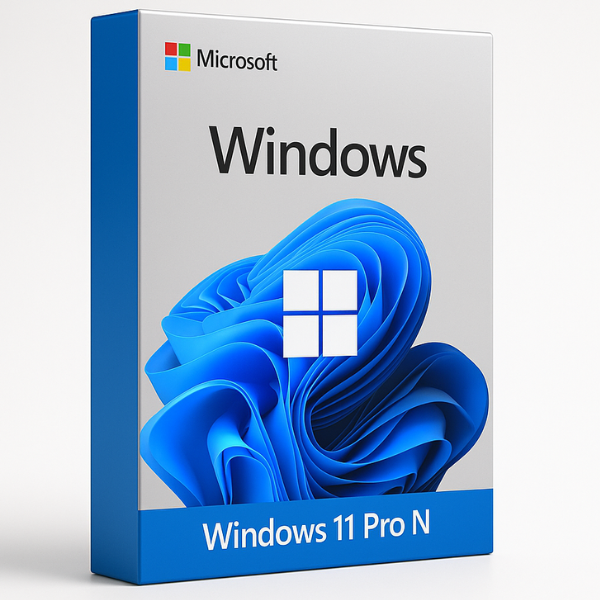


Microsoft Windows 11 Pro N Global: The Professional Choice for Custom Environments
When it comes to high-performance operating systems, Microsoft Windows 11 Pro N Global offers a unique, streamlined experience. Designed specifically for users who want the power of Microsoft Windows 11 Professional without pre-installed media bloatware, this version provides maximum control over your digital workspace.
Whether you are looking for Windows 11 Pro OEM Online Activation Keys or planning an Upgrade from Windows 11 Home to Pro, understanding the “N” edition is key to making the right purchase.
What is Windows 11 Pro N Global?
The “N” in Microsoft Windows 11 Pro N Global stands for “Not with Media Player.” This version was created to comply with European legal standards, offering all the advanced features of Windows 11 Pro but excluding built-in multimedia apps like Windows Media Player or Movies & TV.
Key Benefits of the Pro N Edition:
-
Reduced Bloatware: A cleaner installation for those who prefer third-party apps like VLC or Plex.
-
Full Professional Suite: Includes BitLocker, Remote Desktop, and Hyper-V.
-
Global Compatibility: Our Microsoft Windows 11 Pro N Global keys work anywhere in the world.
Technical Specifications: Is Your PC Ready?
Before you buy a Windows 11 Home Retail Key or a Pro N license, ensure your hardware meets the official requirements:
| Feature | Minimum Requirement | Recommended |
| Processor | 1 GHz or faster with 2+ cores | 2.0 GHz+ Quad-core |
| RAM | 4 GB | 8 GB or 16 GB |
| Storage | 64 GB | 256 GB SSD |
| Security | TPM 2.0 & Secure Boot | TPM 2.0 |
If your system is intended for large-scale corporate use, you might also want to explore Windows 11 Enterprise Global for additional security layers.
Comparison: Pro N vs. Other Editions
Choosing the right license can be confusing. Here is how Microsoft Windows 11 Pro N Global stacks up against others:
-
Pro vs. Home: Unlike the Windows 11 Home N version, the Pro N edition supports Group Policy Management and Domain Join.
-
Pro N vs. Education: While Windows 11 Education is tailored for schools, Pro N is built for versatile professional use.
-
OEM vs Retail: We provide Windows 11 Pro OEM Online Activation Keys for builders and Windows 11 Home OEM CD Keys for budget-conscious users.
Pros and Cons for Schema Markup
To help search engines understand the value of this product, here are the pros and cons:
Pros
-
Enhanced Privacy: Fewer pre-installed tracking-heavy media apps.
-
Resource Efficient: Uses slightly less disk space and background resources.
-
Professional Features: Access to all Microsoft Windows 11 Professional tools.
-
Flexibility: Ideal for developers and IT professionals.
Cons
-
Media Setup Required: You must manually install media codecs if you need them.
-
Specific Use Case: Not ideal for casual users who want an “out-of-the-box” media experience.
Why Buy from SoftLicenseKey?
At SoftLicenseKey, we provide 100% genuine Microsoft Windows 11 Pro N Global keys at the most competitive prices.
-
Instant Delivery: Get your Windows 11 Pro key via email within seconds.
-
Affordability: We offer the cheapest Windows 11 Home Retail Key and Pro keys in the market.
-
Support: Step-by-step guidance for activation and Upgrade from Windows 11 Home to Pro.
Frequently Asked Questions
1. Can I play games on Windows 11 Pro N?
Yes! However, some games may require the “Media Feature Pack” (available for free from Microsoft) to play intro videos or cutscenes.
2. What is the difference between Pro N and Windows 11 Home N?
Pro N includes business-grade encryption and remote management tools that the Home N version lacks.
3. Is activation easy?
Yes, using our Windows 11 Pro OEM Online Activation Keys, you can activate your OS instantly through the Windows settings menu.
Related products


-92%

Original price was: $89.99.$6.99Current price is: $6.99.

-88%
