
-
×
 Windows 11 Home N
1 × $18.99
Windows 11 Home N
1 × $18.99 -
×
 Windows 10 Home N
1 × $13.99
Windows 10 Home N
1 × $13.99
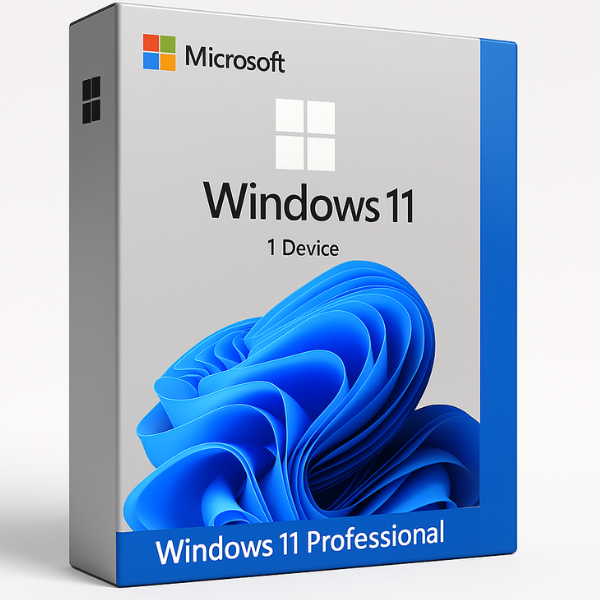

Microsoft Windows 11 Professional: The Ultimate OS for Power Users
Windows 11 has redefined the modern computing experience with its sleek interface and robust performance. For businesses and enthusiasts, Microsoft Windows 11 Professional stands out as the most versatile edition, offering elite security and management tools that the standard version lacks. Whether you are looking to buy a new license or plan to Upgrade from Windows 11 Home to Pro, this version is designed to handle professional-grade workloads with ease.
What Makes Windows 11 Professional Different?
While Windows 11 Home N or the standard Home edition is great for casual use, the Microsoft Windows 11 Pro edition is built for productivity. It includes advanced features like:
-
BitLocker Drive Encryption: Secure your sensitive data even if your device is lost or stolen.
-
Remote Desktop: Access your workstation from anywhere in the world.
-
Hyper-V: Run virtual machines to test software without affecting your main system.
-
Azure Active Directory: Seamlessly manage user identities and cloud-based permissions.
For users in specific regions, we also offer Microsoft Windows 11 Pro N Global keys, which provide the same professional power without pre-installed media players to comply with local regulations.
System Requirements:
| Component | Minimum Requirement | Recommended for Pro |
| Processor | 1 GHz, 2-core (64-bit) | 2.0 GHz or higher (4-core) |
| Memory | 4 GB RAM | 8 GB or 16 GB RAM |
| Storage | 64 GB | 256 GB SSD |
| Firmware | UEFI, Secure Boot capable | UEFI, Secure Boot capable |
| TPM | Trusted Platform Module 2.0 | Trusted Platform Module 2.0 |
Pro Tip: If you are running a high-end gaming rig or a workstation, using Windows 11 Home OEM CD Keys might limit your hardware’s potential compared to the Professional or Windows 11 Enterprise Global editions.
How to Install and Activate Your License
Buying a genuine key from SoftLicenseKey ensures you get instant delivery and full Microsoft support. Follow these steps:
-
Download: Get the official ISO from Microsoft.
-
Create Bootable Media: Use a USB drive (min 8GB).
-
Installation: Boot from the USB and follow the prompts. If you’re using a budget-friendly option like Windows 11 Home N, the process remains similar.
-
Activation: Enter your Microsoft Windows 11 Pro 25-digit product key during setup or in the “Activation” settings menu.
Troubleshooting Activation
If you encounter errors, ensure your internet is active. For those managing academic environments, remember that Windows 11 Education keys require a specific installation path compared to the Pro version.
Why Buy from SoftLicenseKey?
At SoftLicenseKey, we specialize in providing authentic software at competitive prices. Whether you need a single license for Microsoft Windows 11 Professional or bulk keys for Windows 11 Enterprise Global, we provide:
-
Instant Email Delivery: No waiting for physical shipping.
-
Lifetime Support: Our team is here to help with installation or activation issues.
-
Genuine Licenses: Avoid the risks associated with cracked software.
Frequently Asked Questions (FAQ)
1. Can I upgrade from Home to Pro without losing data?
Yes, you can easily Upgrade from Windows 11 Home to Pro by simply changing the product key in your system settings.
2. What is the difference between Pro and Pro N?
The Microsoft Windows 11 Pro N Global version is exactly like the standard Pro but excludes certain media-related technologies (like Windows Media Player).
3. Is there a version for large businesses?
Yes, for large-scale organizations, we recommend Windows 11 Enterprise Global for its advanced deployment and security features.
Related products


-88%


-87%

Original price was: $149.99.$19.99Current price is: $19.99.
-88%
